
Image editor
Paint
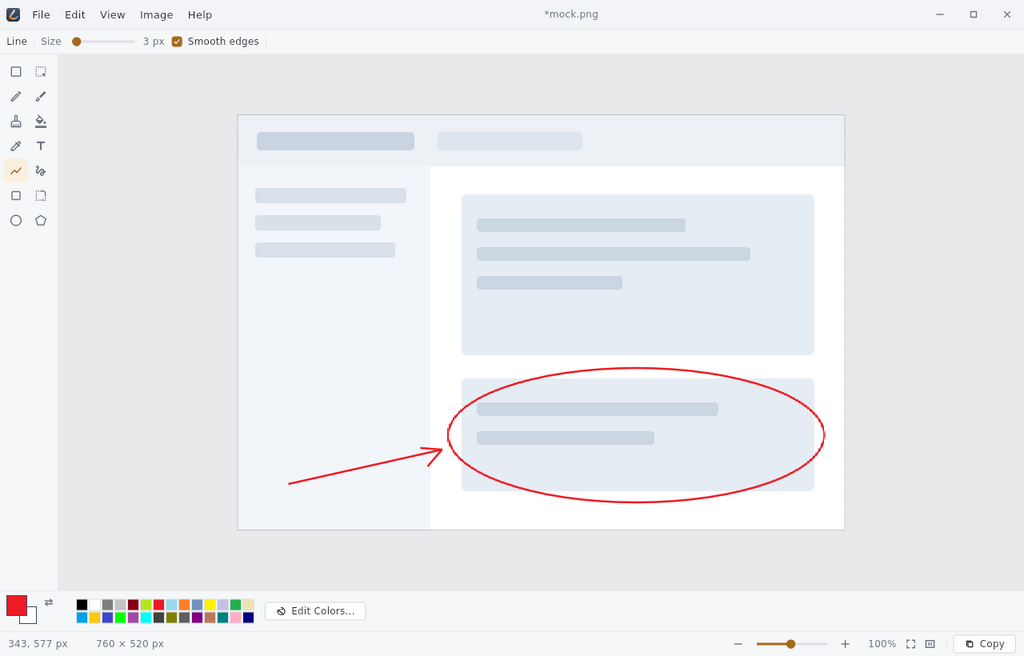
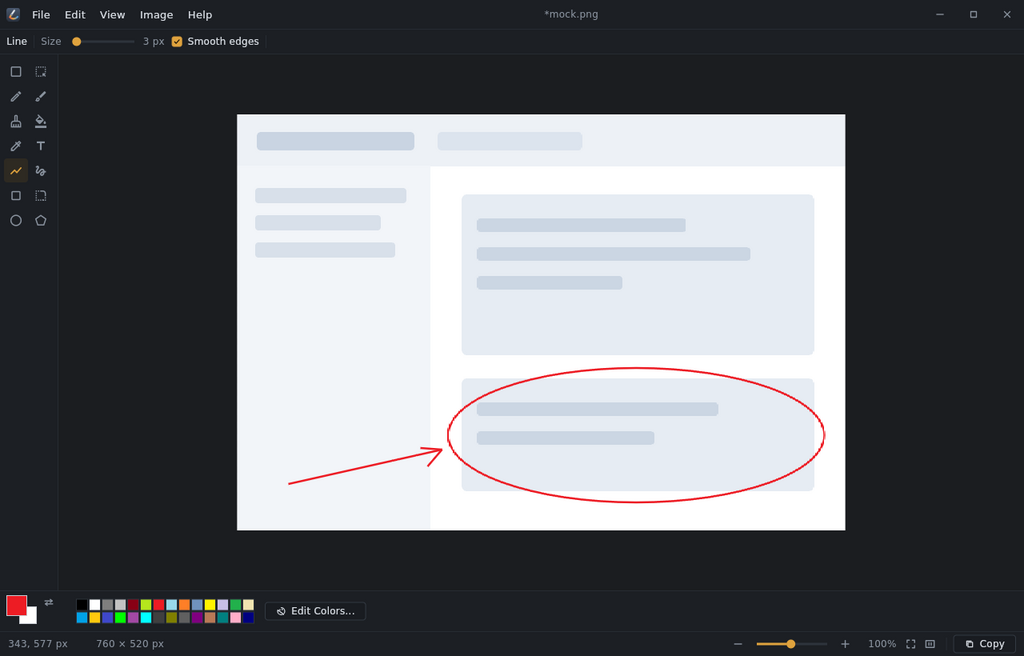
Open a picture, draw on it, save it. A simple image editor that fits in one window.
What it does
- Draw. Pencil, brush, eraser, fill, text, lines, curves and shapes.
- Select. Move, resize, delete, or crop to a selection.
- Transform. Flip, rotate, resize, stretch and skew.
- Undo. A deep history, not three steps.
- Files. PNG, JPEG, BMP, GIF, TIFF and more.
- Private. Works offline. No account, no telemetry.
Paint edits one flat image. Layers are not there yet.
Source and licence
- Version
- 0.2.0
- Licence
- GPL-3.0-or-later
- Platform
- Linux desktop, x86-64. X11 and Wayland.
- Bill of materials
- sbom.cdx.json, every dependency and its exact version, in CycloneDX format